Manufacturing IT support for everything but the machines
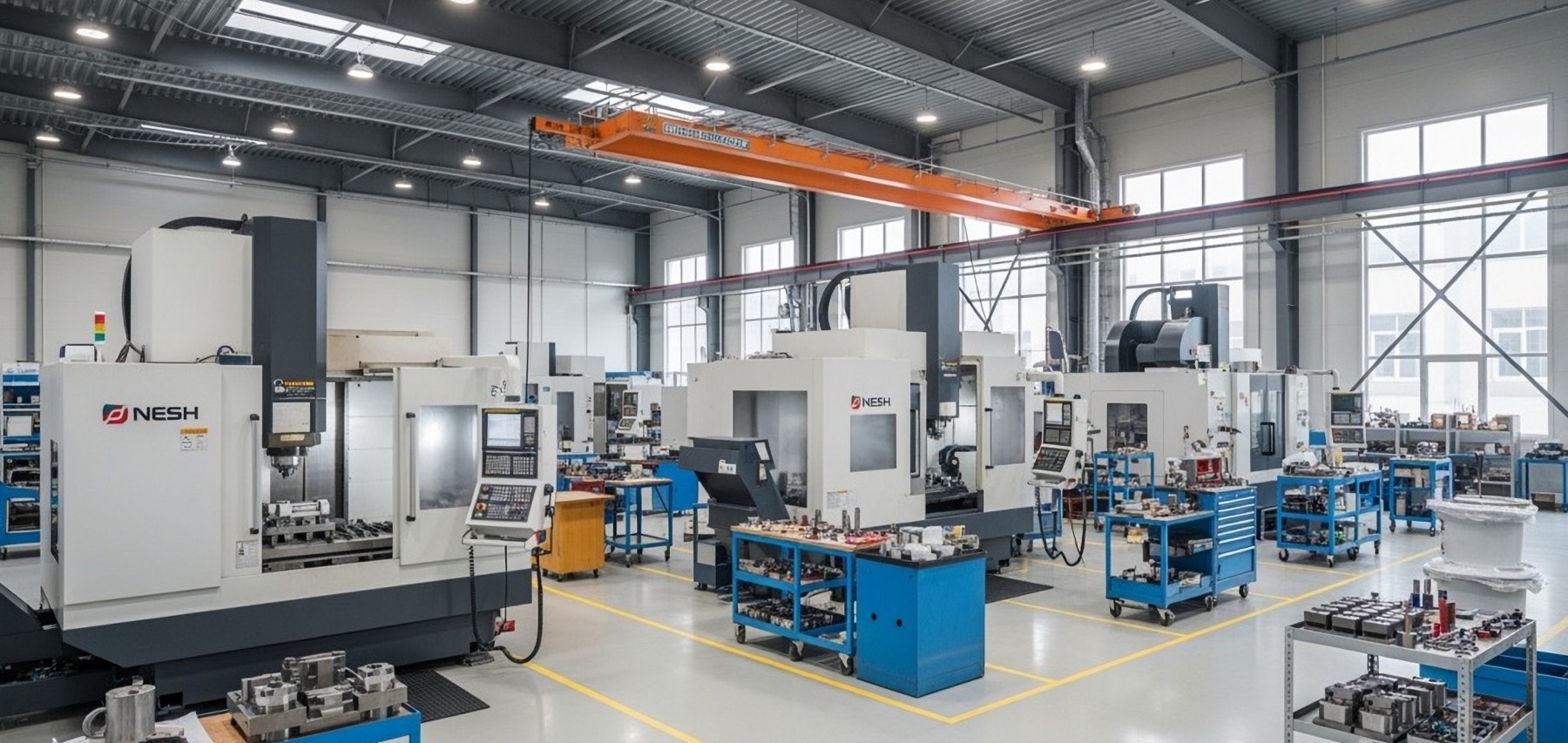
Express IT Solutions runs the business side of manufacturing facilities: the office network, ERP connectivity, shop-floor Wi-Fi, scanner and label printer fleets, badge and camera systems, vendor remote access. We do not touch the PLCs, the CNC controllers or the machine HMIs, and we say so before you ask.
The work runs from Syracuse, New York, where we have handled business IT since 2005. We keep the same boundary for power plant and peaker plant clients across the country, from Upstate New York to California. A floor full of equipment an IT company must not touch is familiar ground here, not a first.
Manufacturing IT support is the management of a factory’s business-side technology: office networks, ERP and MRP connectivity, shop-floor Wi-Fi, barcode scanners and label printers, badge and camera systems, Microsoft 365, backups, and vendor remote access. The IT provider stays on its side of the IT/OT boundary while machine builders, integrators and controls engineers run the PLCs, CNC controllers, HMIs and SCADA.
The side of the shop nobody was hired to run
Every manufacturer runs two kinds of technology, and only one of them has a name on it. The machines have a builder, an integrator, a service contract and a controls person whose cell number is taped to the panel. The other side, the office network, the ERP connection, the label printers in shipping, the Wi-Fi the scanners ride on, the camera recorder in the closet, belongs to whoever got stuck with it.
You know how that ends because you have watched it happen. The label printer in shipping stops and two trucks sit at the dock while someone reinstalls a driver from a forum post. The ERP connection drops mid-shift and the floor runs on paper and memory until it comes back. Then a machine builder’s tech wants remote access on a Friday afternoon, and the fastest answer on hand is the VPN password everybody shares, straight onto the same flat network as the office and the twenty-year-old PC that runs a mill.
None of that is negligence. It is arithmetic. A shop staffed to make parts has no hours left over for IT, so IT becomes a part-time job done in the gaps, and the gaps are where the problems grow. That holds for a ten-person job shop and a three-building plant alike. Closing that gap is what IT services for manufacturers mean in practice, and the engagement runs on the same bones as our managed IT services.
Manufacturing IT, on the business side of the OT boundary
The production floor belongs to the people who built it. Machine builders, systems integrators and your controls engineers own the PLCs, the CNC controllers, the HMIs and whatever SCADA or line-monitoring software watches the floor. An IT company that offers to program your PLCs should worry you. We promise the opposite, and we put it in writing before anyone plugs anything in.
What we take on is everything around that boundary. The first drawing in any engagement is plant floor vs office network: what lives on which side, and what the firewall between them allows. Then the business network and the servers behind it, the backups and the proof they restore, the accounts your vendors and off-site engineers use to get in, and the scanner, printer, badge and camera fleets that ride on the IT network. Where machines cannot be patched, we fence them instead, on their own segment with the office kept out of reach. The security layer runs the way our cybersecurity practice runs it everywhere, and shops carrying CMMC obligations through defense work get the segmentation, logging and documentation their own program asks for. Where our work meets the machines, scope goes on paper with your controls people first.
Your machine builders, your integrator, your controls people.
One accountable IT team, on one standard.
What our team handles at a manufacturing facility
Plain descriptions. The specifics come out on the first call anyway.
-
Office and front-office network
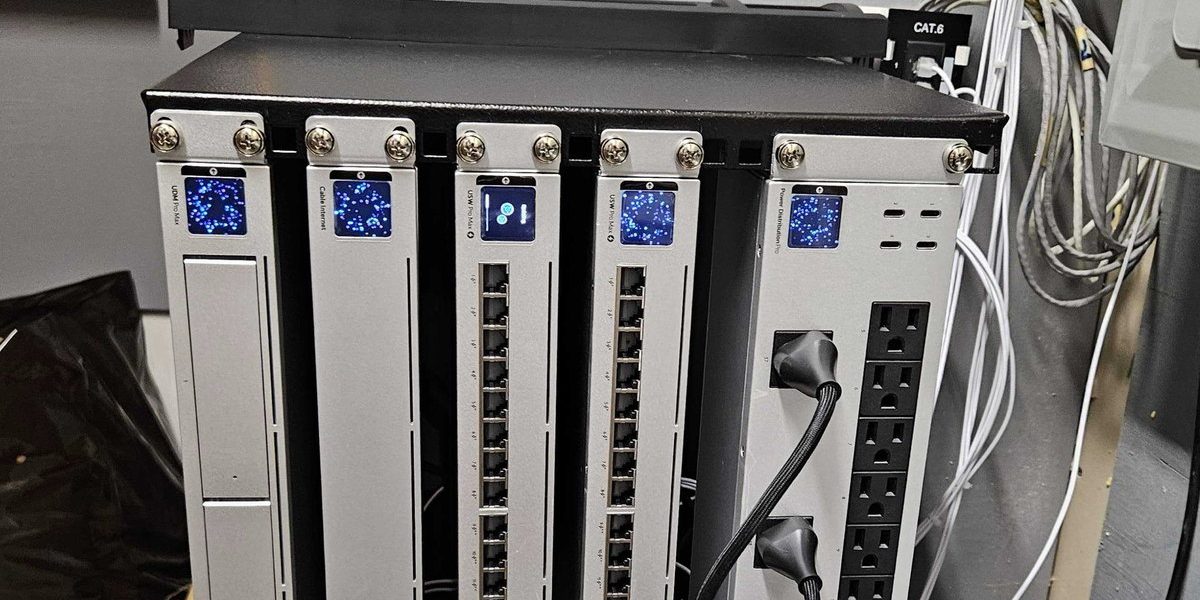
Switches, firewalls, Wi-Fi and cabling for the business side, built so the production floor stays segmented from it. Everything labeled and documented, so the next person in the comms closet is not doing archaeology.
-
ERP and MRP connectivity
The application belongs to its vendor. Everything it depends on is ours: the server in your rack or the link to the vendor’s cloud, the network between the front office and the floor, the workstations it runs on, the backups behind it. ERP downtime stops quoting, receiving and shipping at the same time, so the path it rides on gets monitored like it matters, and when something breaks you call one number instead of refereeing between vendors.
-
Shop-floor Wi-Fi, scanners and label printers
Where the floor Wi-Fi is an IT network, carrying scanners, tablets and time clocks rather than machine control, it is ours: surveyed around steel, racking and welders, mounted away from forklifts, and kept on its own segment. The barcode scanner and label printer fleet gets run like the fleet it is, with standard models, spares on the shelf and someone who already knows the label software’s quirks.
-
Remote access for machine OEMs and integrators
The machine builder’s tech should not need the VPN password everybody shares. Each OEM, integrator and off-site engineer gets a named account: logged, scoped to what they need, and shut off the day the contract ends. We build and run the access path up to the boundary; where a session lands on machine equipment, the leg past the firewall is designed with your controls people and the OEM.
-
Email, Microsoft 365 and backups
Mailboxes, retention and security for the front office, and the file server carrying years of quotes, drawings and job history. That is the shop’s memory, so it gets backed up and the restores get tested on a schedule instead of assumed. Retention gets set up for a business that will someday be asked to produce records, not left at defaults.
-
Cameras, badges, phones and on-site hardware
These systems usually ride on the IT network, so keeping them segmented, current and reachable is our job; the hardware and the security integrator stay yours. And we come to the shop for the work a remote session cannot do: hardware swaps, rack and cabling work, walk-throughs. All of Upstate New York, within 50 miles of Syracuse no questions asked, and for plants farther out, planned visits that include travel by air.
Practical automation for the front office
The same team runs an AI practice, and in a shop the honest use for it is the paperwork around the work: intake emails turned into structured quote requests, order confirmations that write themselves, the scheduling paperwork that eats a Friday afternoon. We scope one workflow, build it, connect it to the systems you already run, secure it and watch it after launch. Nothing touches the machines, and if a workflow is not worth automating, you will hear that on the first call. The full picture is on our AI agents and workflow automation page.
Tell us what keeps failing in the shop. The first conversation is free and specific.
Machine shop IT: the second shift finds what the first shift missed
Job shops and fabricators run lean on purpose. The front office empties at five, and the floor keeps running to eleven, or around the clock when the backlog demands it. That is exactly when the IT side has no witnesses: the label printer jams at 9 p.m. and shipping stops, a switch in the shop rack dies and the scanners go quiet, the ERP connection drops and the second shift runs on paper nobody will key in until morning. The one person who knows the passwords went home hours ago.
Machine shop, fab shop, food processor, packager, molder: the sign out front changes, the pattern does not. A production schedule that outruns the office schedule, and an IT setup that assumes somebody is always at a desk.
Covering a shop like that is a calendar, not heroics.
- Monitoring around the clock. Production does not keep office hours, so the watching cannot either. Failures get caught by a system that phones home, not by the night foreman.
- Documentation that survives 5 p.m. Everything labeled, mapped and recorded, so a late fix is a lookup, not a scavenger hunt for the one person who knows.
- Walk-throughs on a calendar. Dust, vibration and forklifts are hard on floor-side IT, and some failures only hands and eyes catch.
One standard across your buildings
Manufacturers spread out. The machine shop gets a fab building, the fab building gets a warehouse across town, and sometimes a second plant in another state. Each building tends to arrive with its own backup tool, its own remote access scheme and its own password spreadsheet, and that scatter is what actually costs you. We put every site on the same monitoring, the same backup standard and the same helpdesk, so the whole operation behaves like one shop with long hallways. How that works across locations is written up on our multi-site IT support page.
Word for word from public Google reviews. Names as the reviewers published them.
“Express provides excellent service, we’ve been with them for years. They are always responsive to whatever issues we might have. Great work, always totally pleased.”
“I have always had good experiences with this team. They listen to the problem and take the time to go over it with you if you need or want them to. Very good experience and reasonable.”
Straight answers for plant managers and shop owners
The questions we actually get asked.
Do you work on PLCs, CNC controllers or the machines themselves?
No, and you should be suspicious of an IT company that says yes. The machines belong to their builders, your integrator and your controls people. We handle the networks, servers, backups and access around them, and we coordinate with your machine vendors so each side knows exactly where the line is.
Can you work inside our CMMC program?
Yes: we work inside the access, logging and documentation rules your compliance owner sets, including at shops with CMMC obligations from defense contracts. Named accounts, recorded changes, segmentation your assessor can see on a diagram, and paperwork done the way your program requires. We do not claim certifications we do not hold; we do the IT work so your program can pass its own checks.
Half our machines run old Windows versions nobody can patch. Can you fix that?
We cannot patch them, and neither can anyone else without the machine builder’s say-so. What we can do is fence them: put the machine PCs on their own network segment, control exactly what reaches them, and keep the office network out of their blast radius. That is standard practice on production floors, and it is network work, which is ours.
The ERP going down stops the whole shop. What do you actually do about that?
We own the path it rides on. The server or the cloud link, the network between the office and the floor, the workstations, the backups: monitored, documented and ours to fix, with one number to call while it is down. ERP downtime is often an IT-side failure, and when it is genuinely the application, we work the vendor’s ticket with them instead of leaving you to translate.
Can you set up remote access for our machine OEM?
Yes, vendor remote access for machine OEMs is one of the most common things manufacturers ask for. Access is granted per named person, logged, time limited where the agreement allows, and easy to revoke when the contract ends. The OEM gets what the service agreement requires and nothing else. We run the access path up to the boundary; where a session lands on machine equipment, the leg past the firewall is designed with your controls people and the OEM.
What does manufacturing IT support cost?
Hourly for project work, or a flat monthly rate for full coverage, with the price in writing before work starts. Our published plans run $65, $80 and $99 per user per month; what each includes is on the MSP packages page. Shop specifics, like a second shift that needs off-hours monitoring, get priced in the first conversation.
We run two buildings across town. Does that change anything?
No, that is the arrangement we expect. The machine shop, the fab building and the warehouse go onto the same monitoring, the same backup standard and the same helpdesk, so three buildings behave like one shop with long hallways. The fleet version of this page is our multi-site IT support page.
We are three hours from Syracuse. Do you actually come out?
Yes, we come on site anywhere in Upstate New York, and within 50 miles of Syracuse it is routine. For plants farther away, including out of state, visits are planned, and where driving does not make sense that includes travel by air. We already run IT this way for power plant clients as far as California. Day to day, most work happens remotely.
Book a scoping call
A few fields now, a straight recommendation on the call.
Tell us about the shop.
How many buildings, how many people in the front office, and what failed last. That is enough for a straight recommendation and a price in writing, usually from the first conversation.
Fayetteville, NY 13066
Syracuse, NY 13202
help@expresssupport.com