
Computer repair and home IT help in Syracuse and Central New York.
For the laptop that will not start, the desktop that has become unbearably slow, the Wi-Fi that drops in half the house, and the day you buy a new machine and want everything moved across properly. Bring it to our store at 511 East Genesee St in Fayetteville, Monday to Friday, 9 to 6, 7.4 miles east of downtown Syracuse, or we come to you. A person answers at (315) 682-6372.
Want to know what it costs before you call? Flat rates for the common jobs are on the booking page, and everything else we publish is on the home IT pricing page.
Residential IT is computer help for a home rather than a business: repairs, slow machines, virus removal, new computer setup, home Wi-Fi, printers and the family accounts nobody can log into any more. Express IT Solutions has run a computer service business in Central New York since 2005, from a store at 511 East Genesee St in Fayetteville. Bring it in, or we come to you. Call (315) 682-6372.
What is worth repairing, and what is not?
A repair shop that says every machine is worth fixing is selling repairs, not advice. Some faults are cheap and quick, some are not worth the money on an old machine, and a couple mean the machine is finished. Here is roughly where the common ones land before anybody has looked at yours.
| What it is doing | Where it usually lands | What changes the answer |
|---|---|---|
| Very slow, but otherwise works | Usually worth fixing | How old it is, and whether it still takes an upgrade |
| Pop ups, redirects, a hijacked browser | Usually worth fixing | Whether banking was done on it while infected |
| Will not start, or no picture | Depends entirely on which part failed | Whether it is the power supply, the screen, or the board |
| Cracked laptop screen | Often worth fixing on a newer machine | Whether the hinge and case took damage too |
| Liquid spilled into it | Depends on what was spilled and what ran after | Whether it was powered on again afterwards |
| Drive failed, files still needed | A separate job from the repair | Whether it kept being switched on and retried |
| Old machine, failed motherboard | Rarely worth the money | Replacing is usually the sensible answer |
| Windows version no longer supported | Depends whether the hardware can take a supported one | Age and specification of the machine |
This table is a starting point, not a quote. Nothing here is a price: what we publish for home work is on the home IT pricing page, and if a machine is not worth spending money on we will say so before you spend it. For the published rates and the rule of thumb we use at the counter, read what computer repair costs in Syracuse, and when to replace instead. If the files matter more than the machine, that is data recovery and you should stop using it now.
Which of these sounds like yours?
Nine things people bring us, or call us out to. If yours is not here it is still worth the call, because most home computer problems are a version of one of these wearing a different hat.
It has become painfully slow
Minutes to start, a spinning cursor, and everything a struggle. Usually storage, memory, heat or years of accumulated software. Often the cheapest job on this page and the one people put off longest.
It will not turn on
No lights, no picture, or it starts and stops. The fault could be the power supply, the screen, the battery or the board, and which one it is decides whether this is a small job or the end of the machine.
Pop ups, warnings and scam calls
A screen telling you to ring a number, a browser that will not go where you point it, or somebody who talked their way onto the machine. Cleaned up, and then the passwords and the bank sorted out in the right order.
Broken screens, keyboards and hinges
Cracked laptop screens, keys that stopped working, hinges that pulled away from the case, and charging ports that have stopped charging. Physical repairs on machines that are worth repairing.
Wi-Fi that drops, or does not reach
One room with no signal, video calls that break up, or a router from the internet company that was never going to cover the house. Surveyed properly rather than fixed by buying another box.
New computer, everything moved across
Files, photos, email, bookmarks, printers and the programs you actually use, set up on the new machine so the first morning with it is not a bad one. The old machine wiped properly if you are passing it on.
Printers and everything attached
The printer that has stopped talking to the laptop, the scanner nobody can find, the camera that will not import. Usually a half hour job and almost never worth a new printer.
Locked out of email or an account
The password that was written down somewhere, the recovery number that belongs to an old phone, the account that got taken over. Sorted out patiently, and then set up so it cannot happen the same way twice.
Backups, so this is the last time
Most people we meet have no backup, or one that stopped working two years ago and never said so. Set up once, checked that it actually restores, and then left alone doing its job.
What happens when you bring a computer in?
No part of this is a surprise and no part of it starts without you agreeing to it. Here is the sequence, in order, with the money question answered rather than skipped.
- The first call is free and there is no obligation. Tell us what it is doing and what you have already tried. Some of this gets sorted on the phone, and where it does, we will say so.
- You bring it in, or we come out. Bring the charger and, if you have it, the password you use to log in. Leave everything else at home.
- We look at it and work out what is actually wrong. A guess made at the counter is worth nothing, so the diagnosis comes before the quote rather than after it.
- You hear the price before we start. If a repair is going to cost more than expected, that is a phone call to you, not a bigger invoice at the end.
- You decide. Including deciding not to. If it is not worth spending money on we will tell you, and what we publish is on the home IT pricing page so you can read it without asking anybody.
- You get it back working, and you get told what changed. In plain words, so you know what was replaced and what to watch for.
Seven things to do before you bring a computer in
None of these cost anything and all of them shorten the job. The last two matter most, because a machine that keeps being switched on and retried is the most common way a fixable problem becomes an expensive one.
- Write down what it actually does. What you were doing, what appeared on screen, what noise it made, and when it started. Exact words from an error message beat any description.
- Bring the charger. A laptop with no charger cannot be tested properly, and a borrowed one is a variable nobody needs.
- Find the login password if you can. Not the bank one. Just the one that gets past the lock screen, because without it most work stops at the first step.
- Leave the rest at home. The bag, the mouse, the printer and the old cables are almost never part of it. The machine and its charger is usually the whole list.
- Have a rough idea what you need off it. All of it, or the photos, or one folder. The answer changes what gets done first if the drive turns out to be the problem.
- Know roughly how old it is. Age is the single biggest factor in whether a repair is worth doing, and nobody remembers, so a guess at the year you bought it is genuinely useful.
- If it is making a noise, stop using it. Clicking, grinding or a repeated start and stop is a failing drive. Switch it off, leave it off, and say so on the phone, because every retry can cost you files.
If that last one is your machine, do not read further down this page. Switch it off and call (315) 682-6372, or read what to do in the first hour on our data recovery page.
Do you come to my house, or do I bring it in?
Both, and which one is better depends on the fault rather than on your preference. Anything to do with the house itself, Wi-Fi coverage, a new television, cameras, a printer that has to sit somewhere specific, is a visit, because the problem lives at the address. A machine that will not start or needs parts is better in the store, where the spares and the test kit are, and you can walk in Monday to Friday, 9 to 6. The store is at 511 East Genesee St, Suite 8A in Fayetteville, on NY 5; the Fayetteville page covers the drive in and the Syracuse page covers city addresses and our downtown office. We work on site across Upstate New York from our office in Fayetteville. The service areas page maps that coverage town by town, with distances from our door.
| What you need | In store | At your house |
|---|---|---|
| Machine will not start | Best | Usually collected anyway |
| Parts replaced | Best | Rarely practical |
| Wi-Fi coverage in the house | Not possible | Only way to do it |
| New machine set up | Fine | Fine, and often easier |
| Something on screen right now | Fine | Or remote, often same day |
Is my data private while you have my computer?
Yes, and it is a fair thing to ask rather than an awkward one. We open what we need to open to diagnose and test the machine, and nothing else. Photos, documents, email and banking are not browsed, and nothing is copied anywhere unless you have asked us to move your files onto something. If a repair needs the machine wiped, that is a conversation with you first, never a decision we make on your behalf.
Should I repair this computer or buy a new one?
The three things that decide it are age, what failed, and what the machine is for. A five year old laptop with a failed board is usually finished. The same laptop that is only slow is often worth an hour and a part. If the answer is replace, we will say so, and we sell machines in the store, so the honest version of that conversation and the next step can happen in one visit rather than two.
What does a home computer repair cost?
Everything we publish for home work is on the home IT pricing page, including how hourly work is billed remotely, in store and at your house, and what a home plan covers per month. This page deliberately prints no figures, because a number quoted before anybody has seen the machine is a guess. What we will commit to is that you hear the price before we start, and that if the answer is that it is not worth repairing, you hear that too.
Over 21 years, one company, one address.
Computer repair is a trade with a lot of turnover in it. Shops open, change name, change owner and close, and the machine you left somewhere last year is with a company that no longer exists.
- One legal entity since 2005. Express Computer Service L.L.C., filed 13 May 2005, trading as Express IT Solutions. Same company, same town, the whole time.
- A shop you can walk into. 511 East Genesee St, Suite 8A, Fayetteville, NY 13066, a short drive from Syracuse, Manlius, Dewitt and Chittenango.
- Independently run. Express IT Solutions is owned and run from Fayetteville. If something goes wrong with your job, the person who can fix it is not in another state.
- Home and business, same bench. The people who look at your laptop are the people who run business networks, which is why a home Wi-Fi survey here is a real survey.
- Rated 4.9 from 154 reviews. You can read them here rather than take the number on trust.
What people ask before they bring a computer in
How long does a computer repair take?
It depends on the fault and on whether a part has to be ordered, so we do not publish a turnaround time we would then have to break. What we will do is tell you on the phone or at the counter what we think it involves, and tell you again once we have actually looked, before any work starts. Some jobs are done while you wait. Some need a part that is not in the building.
Do I need an appointment to bring a computer in?
No. You can walk into the store at 511 East Genesee St, Suite 8A, Fayetteville, NY 13066, Monday to Friday, 9 to 6, and hand it over the counter. A phone call first is still worth it, because for some faults there is something you should do, or stop doing, before you get in the car, and occasionally we can sort the whole thing out without you making the trip.
Can you get my photos off a computer that will not start?
Usually, and the machine not starting does not by itself mean the files are gone. What matters most is what happens between now and us looking at it. If the drive is making a clicking or grinding noise, switch the machine off and leave it off, because every retry can turn a recoverable problem into a permanent one. Tell us that on the call and we will tell you what to do next.
Do you work on Macs as well as Windows PCs?
Yes, both. The published home rate card covers Windows and Mac work, and the same bench does both. Tell us which one it is on the call, along with roughly how old it is, because on both platforms the age of the machine is the single biggest thing that decides whether a repair is worth doing at all.
Do you sell computers as well as repair them?
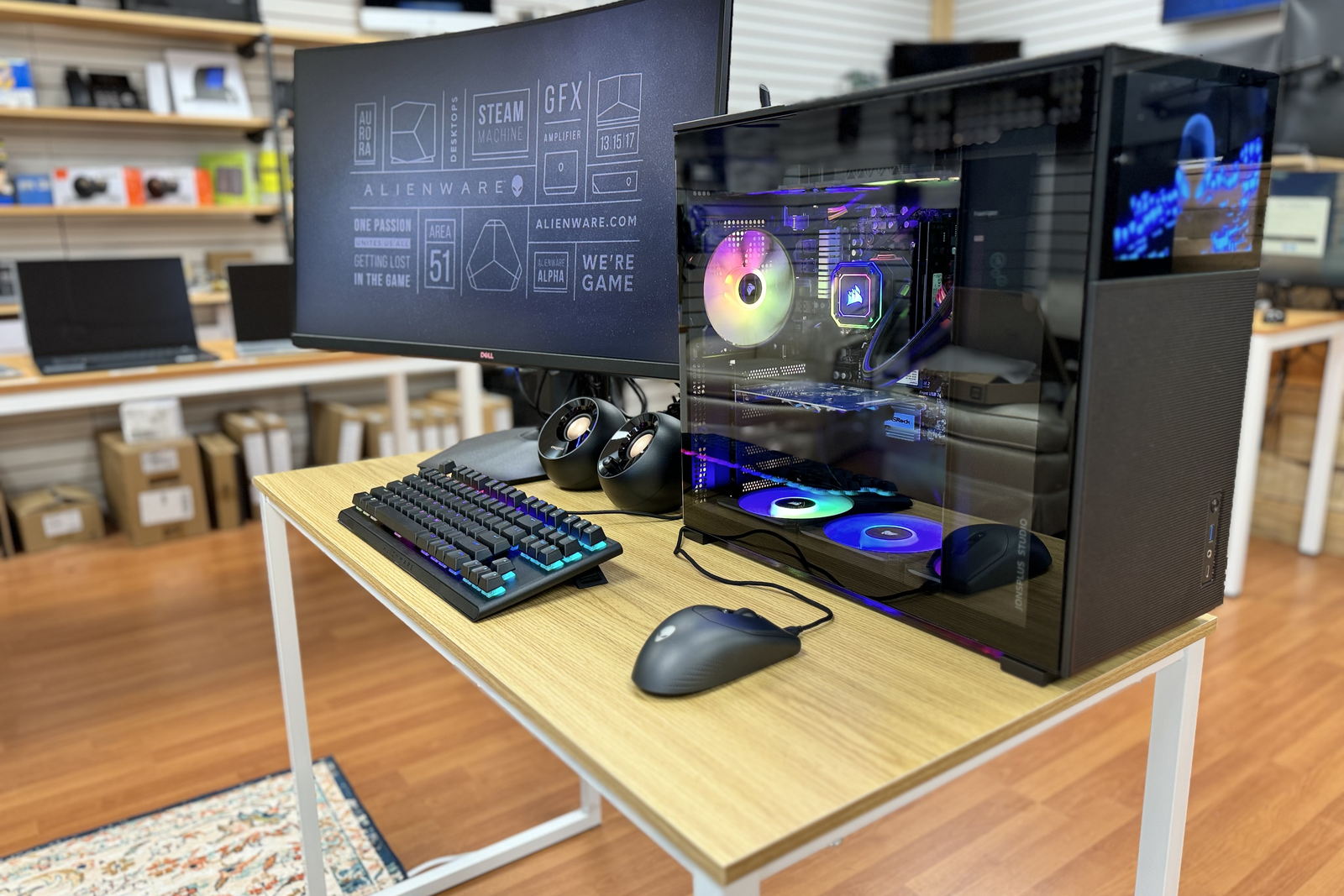
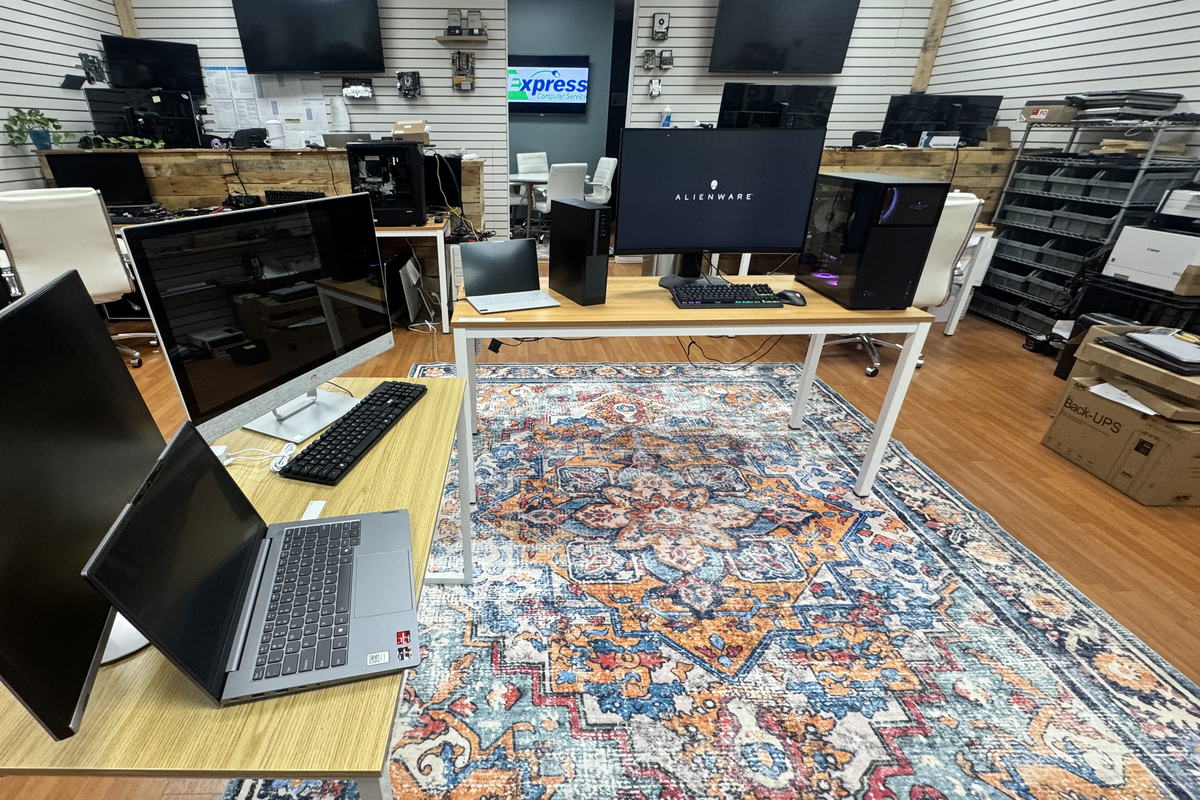
Yes. There are machines on the floor of the store in Fayetteville, we build them too, and we can move everything across from your old one. It matters here because it means we can afford to tell you honestly when a repair is not worth doing, and the next conversation happens in the same room rather than sending you somewhere else.
Can you sort out the Wi-Fi in my house?
Yes, and it is one of the more satisfying visits. The usual cause is a single box from the internet company trying to cover a house it was never going to cover, or one built with materials that stop a signal. That is a visit rather than a store job, because the problem lives at the address. The same people who build business networks do it, so it is a real survey rather than another box.
What does home computer help cost?
Everything we publish for home work is on the home IT pricing page, including how hourly work is billed remotely, in store and at your house. This page prints no figures on purpose, because a number quoted before anybody has seen the machine is a guess. What we will commit to is that you hear the price before we start, and that if it is not worth repairing, you hear that too.
TELL US WHAT IT IS DOING
Describe it in your own words.
What the machine is doing, roughly how old it is, and what you have already tried. You do not need the right words for it. That is enough for us to tell you what we would do about it.
- It goes to our shop in Fayetteville, not a call centre.
- You hear the price before anything starts.
- If it is not worth repairing, we will tell you that too.
If the drive is making a noise, call instead
A form waits for someone to read it. A failing drive does not wait for anything, so if yours is clicking or grinding, switch it off and call. That is faster and it costs you less data.
The form is the better route for a slow machine, a new computer setup, home Wi-Fi, or anything you would rather write down than say out loud.
(315) 682-6372Tell us what it is doing.
One phone call and you will know whether it is a small job, a bigger one, or a machine you should stop spending money on. That is worth more than another evening of trying things.
Free first call. We will tell you straight if the answer is that it is not worth repairing.
Express IT Solutions · Computer service in Central New York since 2005 · Last updated August 16, 2026