
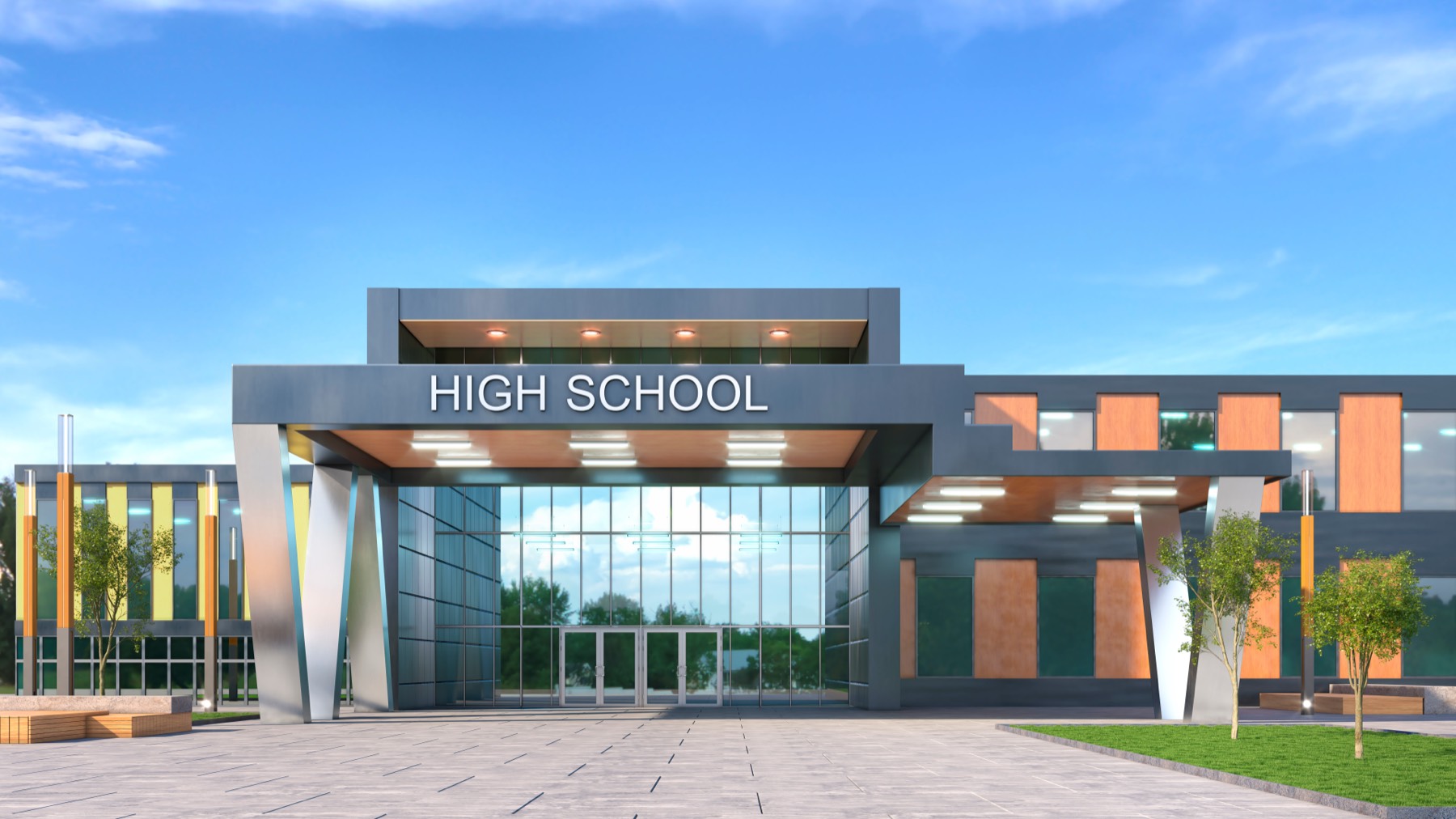
School and church IT support for everything but the mission
Express IT Solutions runs the technology side of private schools, academies, churches and parishes: Wi-Fi that reaches the classroom and the sanctuary, Microsoft 365, content filtering on student networks, the network the livestream rides on, tested backups, and named accounts instead of a password everyone shares. The teaching and the ministry stay yours. The number to call becomes ours.
The work runs from Syracuse, New York, where we have handled business IT since 2005. The same team keeps unstaffed peaker plants ready for start day for power plant clients across the country; a campus of three buildings from three decades is familiar ground, not a first.
School and church IT support is the management of technology for private and parochial schools, academies, churches and parishes: campus Wi-Fi across multiple buildings, Microsoft 365, content filtering on student networks, the systems student, family, donor and giving records live in, tested backups, named accounts with multi-factor authentication, the network behind classroom devices and the livestream, and one number to call. The provider runs that layer; the teaching, the ministry and the records stay with the school and the parish.
The IT plan is usually a person who already has a job
Every school and every parish runs on two kinds of work, and only one of them is the mission. The other kind, the switch in a closet nobody opens, the Wi-Fi that dies in the gym, the laptop cart built from three generations of donations, belongs to whoever objected least: the business manager, the deacon who ran cable in the nineties, a parent who works in software.
You know how it ends. Enrollment week meets a network sized for a quiet Tuesday. The stream freezes ten minutes into the one service the homebound members count on. A volunteer leaves in spring, and in fall somebody realizes the office password never changed. None of it is negligence; it is arithmetic. A staff hired to teach and to minister has no hours left for IT, and the gaps are where the failures grow.
Closing that gap is what this page offers: one accountable team, one number on the wall, and a monthly price in writing a finance council or school board can plan around, on the same bones as our managed IT services.
IT support that knows which records it is standing next to
The mission belongs to the people called to it. What gets taught, who gets admitted, what is said from the pulpit: your calls, and a technology vendor with opinions about them should worry you. We take the opposite position, in writing, before anyone logs into anything.
What we take on is everything underneath: the network and firewall, Microsoft 365, the front office machines, and the systems your records live in. A school is expected to handle student and family records with care; FERPA is the name that expectation usually arrives under. A parish owes its donors the same discretion with giving records. No vendor can carry those obligations, and we do not claim to. Our part is the technical side of meeting them, implemented and documented: need-to-know access, named accounts with multi-factor authentication, retention set on purpose, tested backups, and logs that show the care was real.
Content filtering sits on the same side of the line: standard managed network work. The school decides what students should not reach; we enforce it by group, keep teachers working, and log what the filter does.
Your head of school, your pastor, your staff.
One accountable IT team, on one standard.
What our team handles at a school or a parish
Plain descriptions. The specifics come out on the first call anyway.
-
Helpdesk, monitoring and the day-to-day
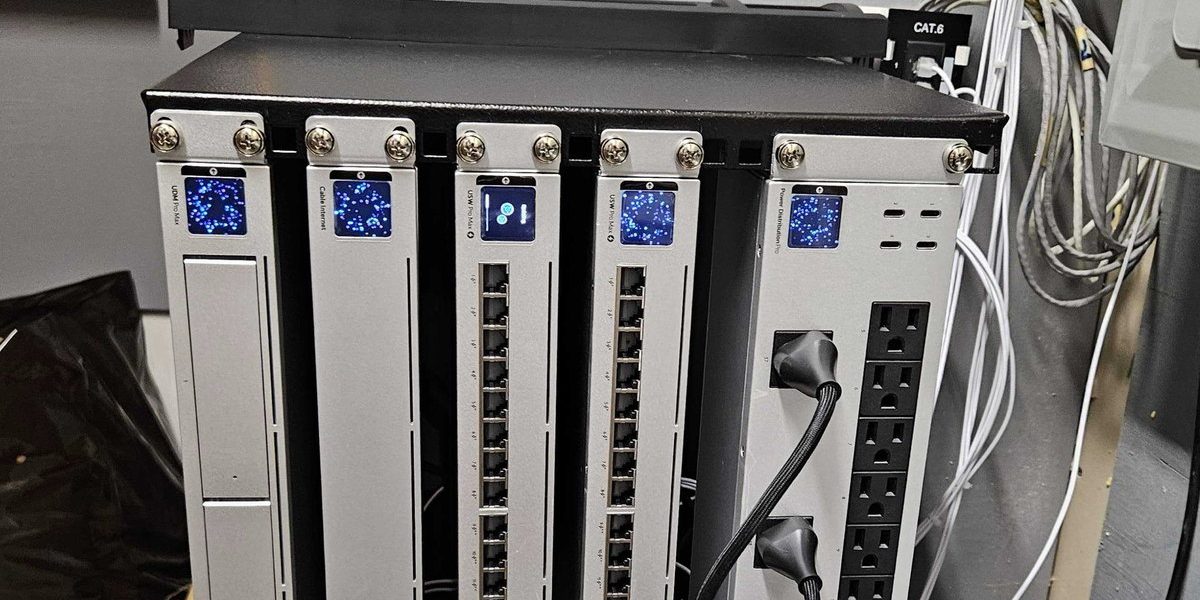
One number for the whole campus. The front office and the teachers call us, not a parent volunteer, and monitoring catches the failing switch and the stalled backup early: our managed IT services, applied to a campus.
-
Campus Wi-Fi across buildings that predate it
Plaster, brick, a gym, a sanctuary ceiling: coverage gets designed from a survey, not hoped for from one router. Wired backhaul between buildings, access points where measurements say, separate networks for classrooms, office and guests, on the one standard our multi-site IT support keeps.
-
The AV and livestream network
The Sunday stream, the spring concert, the assembly: a wired path from encoder to router, stream traffic off the public Wi-Fi, bandwidth reserved, tested midweek. Cameras and door access ride the same discipline, through our network, camera and door access installation practice.
-
Microsoft 365, email and shared calendars
Staff, teachers and long-term volunteers on named accounts with multi-factor authentication, mailboxes that survive turnover, calendars the whole staff can see, retention set on purpose, run by our Microsoft 365 support practice.
-
Filtering, accounts and student network security
Filtering by group, so student devices get the policy and teacher tools keep working. Guest traffic separated from anything holding records, and mail defenses tuned for the fraud schools and parishes actually receive: our cybersecurity work, applied here.
-
Student, family, donor and giving records
The systems those records live in get the care the records demand: need-to-know access, a record of who can reach what, restores tested on a calendar instead of assumed, documentation that shows the care was real.
-
Donated and aging hardware
A fleet assembled by generosity gets triaged, not condemned: what can be secured gets patched and managed, what cannot gets retired before the office depends on it. Repairs happen at your building through our onsite repair practice.
-
The business office, with a price in writing
Tuition and enrollment systems, the payroll vendor, the parish office machines: the office side runs on our business IT services practice, and the published packages put the monthly number in writing before work starts.
Tell us what keeps failing at the school or the parish. The first conversation is free and specific.
The calendar already knows when things will break
A school year and a liturgical year are the most predictable calendars there are. Enrollment week, Christmas Eve, Holy Week, the spring concert: the busiest days arrive on schedule, find the weakest equipment, and break it in front of everyone. The cure is maintenance in quiet weeks, capacity for loud ones, and monitoring that catches trouble small.
The stream that died mid-service
The livestream rides the same Wi-Fi as every phone in the building, and it freezes ten minutes into the service.
The homebound miss the one service they could attend, the archive has a hole, and a volunteer spends the hour in the balcony rebooting a router.
A wired path from encoder to router, stream traffic separated from public Wi-Fi with bandwidth reserved, the chain tested midweek, and monitoring that makes a dying switch a Tuesday repair, not a Sunday surprise.
The enrollment-week Wi-Fi collapse
Registration week puts two hundred families, the staff and a cart of tablets on a network sized for an ordinary Tuesday.
Lines in the hallway, staff falling back to paper, and the first thing a new family sees is a spinning wheel.
Capacity planned for the surge weeks the calendar already announces, access points placed from a survey, guest traffic split from the office, everything checked before the week, not during it.
The login a departed volunteer still knows
The office machines share one password, a volunteer who left in spring still knows it, and the giving records and student files sit behind it.
Nobody can say who has seen what, and changing the one password breaks the copier and two other things nobody documented.
A named account for every person, multi-factor authentication on anything with records behind it, offboarding that ends access on a date, confirmed in writing, and shared logins retired one by one.
If these sound like your buildings
What we hear on first calls from schools and parishes.
- The Wi-Fi dies where the people are.
The gym, the cafeteria, the sanctuary, the 1950s wing: coverage stops where the walls get thick and the crowd gets big.
- The Sunday stream is a weekly gamble.
Some weeks it holds, some weeks it freezes, and nobody can say why, because nothing in the chain is measured.
- The office password is the office key.
One login shared across staff and volunteers, known to people who left years ago, guarding the records that matter most.
- The computer fleet is a donation history.
Every laptop a different age and brand, some too old to secure, no plan for which retires next.
- Everything breaks during the big weeks.
Enrollment, Christmas, Easter, the concert: the days with the most visitors find the weakest equipment.
- IT support is a parent who works downtown.
Generous, capable, and unavailable at 10 a.m. on a Tuesday when the office cannot print the dismissal list.
If three or more sound familiar, the first call pays for itself. Book a scoping call or dial (315) 682-6372.
Word for word from public Google reviews.
“Express provides excellent service, we’ve been with them for years. They are always responsive to whatever issues we might have. Great work, always totally pleased.”
“I have always had good experiences with this team. They listen to the problem and take the time to go over it with you if you need or want them to. Very good experience and reasonable.”
Straight answers for heads of school and parish administrators
The questions we actually get asked.
Does managed IT make sense at a school or church our size?
Yes for most schools and churches with an office, a network and records worth protecting. The real threshold is dependence, not headcount: if enrollment week, payroll or the Sunday service stops when the technology does, somebody has to own the technology. Below that line we say so and set you up hourly. Above it, a flat monthly plan usually costs less than the improvised version it replaces.
Can you filter student internet without breaking teacher tools?
Yes. Filtering is standard managed network work. Policies apply by group: student devices get the filter the school chooses, staff accounts get the exceptions their tools need, the guest network stays separate from both. When a teacher hits a wall, there is a number to call and a change that gets made and logged, not a workaround that turns the filter off.
Can you support our livestream setup?
Yes, on the side that fails most often: the network underneath. We build a wired path from encoder to router, keep the stream off the public Wi-Fi, reserve its bandwidth, and test the chain midweek, not on Sunday. The cameras and the software stay your choices; we make sure the stream has a network it can trust.
How do you handle volunteer and staff turnover?
With named accounts and a checklist, not a shared password. Everyone who touches records gets their own login with multi-factor authentication. When someone leaves, in June or mid-semester, access ends on a date, confirmed in writing. Shared logins are the first thing we retire.
Our buildings are old and the walls are thick. Can Wi-Fi really work?
Yes, with a survey first and cabling where it earns its place. Plaster, brick and a sanctuary ceiling beat any single router, so coverage gets designed building by building: wired runs between buildings, access points where the measurements say, separate networks for classrooms, office and guests. The dead zones are fixable; nobody has designed for them yet.
Do we have to replace all the donated computers?
No. Donated and aging machines get triaged, not condemned. What can be secured gets patched, managed and put to work; what cannot gets retired before the office depends on it. You get a plain list of which is which, so replacement becomes a budget line instead of an emergency.
What does school and church IT support cost?
Hourly for project work, or a flat monthly rate for full coverage, with the price in writing before work starts. Our published plans run $65, $80 and $99 per user per month; what each includes is on the MSP packages page. A parish office and a three-building school land in different places; that is what the scoping call is for.
One number on the wall
The outcome is simple. When something breaks, the front office calls one number, and the person who answers already knows your buildings. The surge weeks get planned for instead of survived. The records get documented care. And the parent who knows computers gets to just be a parent again. Tell us the buildings, the headcounts and what failed last.
Book a scoping call
A few fields now, a straight recommendation on the call.
Three required fields. A person at our Fayetteville office reads it.
Tell us about the campus.
How many buildings and how old, how many students, staff and volunteers, where the stream runs from, and what failed last. That is enough for a straight recommendation and a price in writing, usually from the first conversation.
Fayetteville, NY 13066
Syracuse, NY 13202
help@expresssupport.com