

AI training for Syracuse and Central New York business teams.
A few of your people use ChatGPT or Copilot for everything. A few will not touch either. Nobody was shown how. If that is your office, this is for you: hands-on AI training on the tools you already pay for and the work your staff do all day, led by engineers who run client networks and build AI systems in production today. Call (315) 682-6372.
In short: AI training for business teams is hands-on instruction that teaches staff to use approved AI tools, such as Microsoft Copilot and ChatGPT, well and safely on their own work. Express IT Solutions, a Syracuse-area IT company and managed service provider in business since 2005, runs it in Syracuse and across Central New York. Call (315) 682-6372.
What is AI training for employees?
AI training for employees is practical instruction in using AI assistants for everyday work: writing a clear prompt, checking the answer before relying on it, and knowing which company information must stay out of public tools. Good training uses the software and the tasks a business already has.
Ours is hands-on, built on your own tools, your own documents and the jobs your people do every week: the quote that takes an hour, the inbox that never empties.
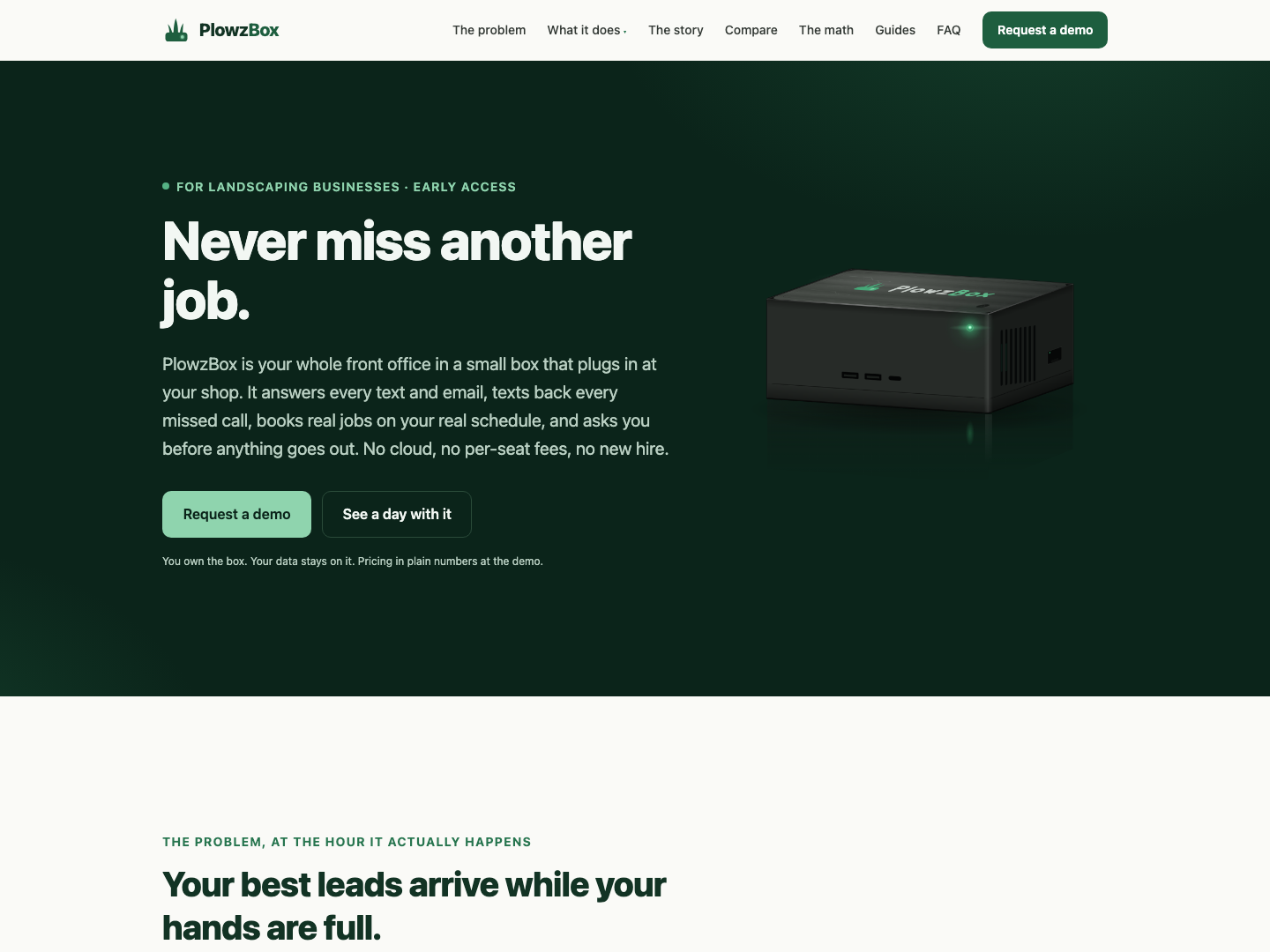
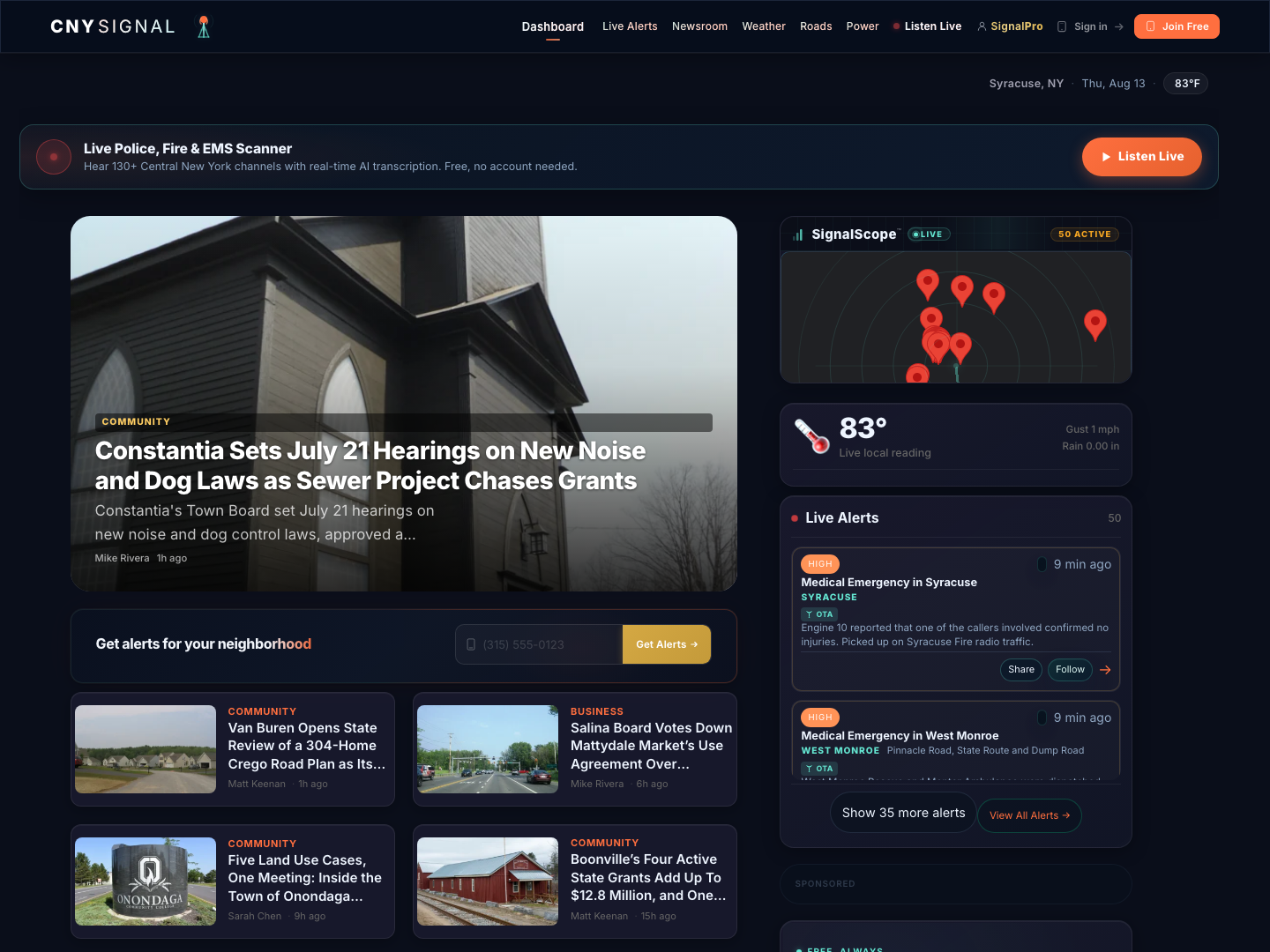
Your trainers are the engineers who run client networks and security here, and who build AI systems. Two are open in any browser: PlowzBox, an AI front office for landscaping businesses, in early access, and CNY Signal, a live local news and scanner dashboard. Express IT Solutions designed, built and operates both.
What should AI training for a business cover?
AI training for a business should cover six things: prompting on real work, the Microsoft tools the company has, the general assistants staff already use, what data may go where, AI-written phishing, and when to ask a person. Training that skips the data rules is a product demo.
-
Prompting on real work
Context, audience, format, an example. Practiced on your own emails, quotes and reports.
-
Copilot in Outlook, Word, Excel and Teams
Where your Microsoft 365 licenses include Copilot: summarizing an email thread, drafting from notes or a file, working with formulas, charts and PivotTables, and getting key points and suggested action items from a meeting.
-
ChatGPT, Claude and Gemini
The general assistants staff may already use. Which jobs suit them, and how a business account differs from a personal one.
-
Data safety and your AI-use policy
What may be pasted where: client records, payroll, contracts, passwords. No written policy yet? Start with our guide to an AI acceptable use policy for a small business.
-
Spotting AI-written phishing
Bad grammar is no longer the tell. Staff learn to verify the request, not judge the writing. More under enterprise security solutions.
-
When to stop and ask a person
Which work needs a person to sign off before it goes out, and who to ask when unsure.
Copilot behaviors as Microsoft describes them for Outlook, Word, Excel and Teams, read November 24, 2026. What each person sees depends on the license assigned.
What your team should be able to do afterwards
This is what we teach toward: five skills, not a promise of results.
- Write a prompt that gets a usable first draft. Who it is for, what it must contain, what good looks like.
- Check an answer before trusting it. Find the source, test the numbers, read it like a new hire’s first piece of work.
- Know what must never be pasted into a public tool. Client records, anything under contract or regulation, passwords and keys.
- Use the approved tool for the right job. Copilot for work that lives in your Microsoft 365 mail and files, a general assistant for work that does not.
- Know when a task is a candidate for an agent, not a chat. A job that repeats daily with the same steps may be worth automating: see AI agents and workflow automation, a one-agent pilot and secure AI agents.
Is it safe for staff to use ChatGPT at work?
It can be, with the right account and clear rules. It is not safe by default. The risk is rarely the tool itself: it is staff pasting client records, contracts or payroll into a personal account nobody in the business controls. Safe use takes an approved tool, a written policy and trained people.
The account matters more than the brand. OpenAI’s help center, read November 24, 2026, says it may use content from its plans for individuals, including the paid Plus and Pro plans, to train its models unless the user opts out, and that by default it does not use inputs or outputs from ChatGPT Business or ChatGPT Enterprise to improve them.
Microsoft’s documentation for Copilot, last updated November 3, 2026, says prompts and responses are not used to train its foundation models, and that Copilot only surfaces organizational data the user already has permission to view. So a folder shared company-wide by accident is one Copilot can surface for anyone who asks.
Vendor statements, cited as industry sources, not Express IT Solutions findings. Terms change.
Why have your IT and security firm run the AI training?
Because training without the policy and the permissions is how data leaks. A trainer who cannot see your Microsoft 365 tenant can only teach the tool. The firm that manages your systems can fix who has access to what, write the AI-use policy and train the people, in one engagement.
- The tenant. Who can reach what in Microsoft 365, reviewed before Copilot is switched on. See Microsoft Copilot consulting and Microsoft 365 support.
- The policy. A written AI-use policy: approved tools, and what may be pasted where. Part of our enterprise security program.
- The people. The training on this page. Not sure where AI fits? Start with AI consulting or an AI readiness assessment.
Three ways to train a team on AI
| Compared on | Vendor webinar or no-cost video course | Generic online course | Hands-on sessions with your IT firm |
|---|---|---|---|
| Built on | The vendor’s product and sample data | General examples for any business | Your tools, documents and real tasks |
| Your data rules | Not covered | General guidance only | Agreed first, then taught |
| Microsoft 365 permissions | Outside its scope | Outside its scope | Reviewed, and fixed where needed |
| Certificate | Some offer one | Some offer one | No. We do not issue one |
| Cost | Varies, some at no charge | Varies by provider | Quoted in writing after the scoping call |
How do you train employees to use AI?
Start with the work. Find out what staff do all day and which AI tools they already use, agree the approved tools and the rules, then teach people on their own tasks and leave written playbooks behind. We follow that order in six steps.
- Scoping call. How many people, what they do, what worries you. Format and length are set here.
- We look at what you have. Tools, licenses, and what staff do all day.
- We agree the tools and the rules. Which assistants are approved and what may go into them.
- We run the sessions. At your office or remotely, on your own documents and tasks.
- We leave written playbooks. What was covered and the rules you agreed, for staff and your next new hire.
- We stay reachable. The same people answer (315) 682-6372, and for managed IT clients we are already your IT team.
The price comes in writing after the scoping call.
Do we need Microsoft Copilot before we train people?
No. Train people on the tools they have today. Prompting, checking answers and data rules apply to every assistant, and they are worth having before you pay for more licenses. If you are weighing up Copilot, training and a permissions review first make it a better informed purchase.
We recommend, we don’t resell. You buy licenses in your own tenant, Microsoft publishes the prices, and we will work out your seat cost on the call. Your tenant, accounts and data stay yours. More on our Microsoft Copilot consulting page.
Who this training is for, and who it is not for
For the owner, office manager or operations lead of a Central New York business whose staff use AI unevenly or are afraid to.
- A good fit: offices that have bought Microsoft Copilot, or are about to, and want it used.
- A good fit: owners worried about company data going into public chatbots.
- Not a fit: developers who want a course in building or training models. This is not a programming course.
- Not a fit: anyone who needs a certificate or continuing education credit. We do not issue one.
Run by a Syracuse IT firm you can visit
Express IT Solutions is a Syracuse-area IT company and managed service provider, in business since 2005. Our offices are at 511 East Genesee St Suite 8A, Fayetteville NY 13066 and 120 Madison St Suite 1000, Syracuse NY 13202, and the number is (315) 682-6372. We are now bringing AI into the work we do for many of our clients, who range from accounting firms, medical offices, manufacturers and beyond.
On site across Upstate New York. Within 50 miles of Syracuse, no questions asked. Need the IT run as well? Our managed IT services are published at $65, $80 and $99 per seat per month on the business packages page.
Last reviewed November 24, 2026 by the Express IT Solutions team.
Microsoft 365, Copilot, Outlook, Word, Excel and Teams are Microsoft products. ChatGPT, Claude and Gemini are OpenAI, Anthropic and Google products. Named because businesses here use them, not to claim any relationship with their makers.
Word for word from public Google reviews. Names as the reviewers published them.
“Express provides excellent service, we’ve been with them for years. They are always responsive to whatever issues we might have. Great work, always totally pleased.”
“I have always had good experiences with this team. They listen to the problem and take the time to go over it with you if you need or want them to. Very good experience and reasonable.”
Questions businesses ask about AI training
Do you give a certificate for AI training?
No. We do not issue certificates, credentials or continuing education credits. Your team gets hands-on practice on its own work and written playbooks to keep. If a certificate is the goal, a course from the software vendor or a college is the better choice.
Do you train on Microsoft Copilot or ChatGPT?
Both, and we start with whichever your staff already have. Sessions can cover Copilot in Outlook, Word, Excel and Teams, and general assistants such as ChatGPT, Claude and Gemini. Prompting, checking answers and data rules carry across all of them. We resell none of them.
Where is the AI training held?
At your office or remotely, whichever suits your team. Express IT Solutions works on site across Upstate New York, and within 50 miles of Syracuse with no questions asked. Our offices are in Fayetteville and downtown Syracuse. Call (315) 682-6372 to arrange a scoping call.
Do we need an AI-use policy before we train people?
Not before you call. If you have a written policy, we teach to it. If you do not, we can write a short one with you first: which tools are approved and what may be pasted where. The rules come before the training.
How much does AI training cost?
It is quoted in writing after the scoping call, before any work starts. Format and length are set for each business on that call, so there is no price list to publish. Call (315) 682-6372 or book a scoping call on this page.
Can you train just the leadership team?
Yes. Starting with owners and managers is a sensible order, because they decide which tools are approved and what the rules are. The rest of the staff can follow, on their own work. Who is in each session is agreed on the scoping call.
Book a scoping call
A few fields now. Format, length and price are worked out on the call.
Tell us what your team does all day.
How many people, which AI tools they use now, and what worries you. That is enough to start.
Fayetteville, NY 13066
Syracuse, NY 13202
help@expresssupport.com